
How Response Size Affects API Performance
The often-overlooked impact of payload size on API performance — serialization costs, network transfer, and what to do about large responses.
Everyone focuses on database queries and server processing time. But there's another factor that quietly eats into your API performance: the size of what you're sending back.
A 100KB JSON response takes longer to serialize, longer to transfer, and longer to parse than a 1KB response. At scale, this adds up fast.
Where size costs you
Serialization is the first hit. Your server converts objects to JSON. Larger objects mean more work — more string concatenation, more memory allocation, more CPU cycles.
Network transfer is the obvious cost. Bigger payloads take longer to transmit. On slow mobile connections, it's very noticeable.
Client parsing comes last. The browser has to parse that JSON back into usable objects. Large payloads take longer and use more memory.
Double the response size, roughly double each cost. The response time optimization guide covers where time actually goes in your requests.
Measuring the impact
Run load tests with different payload sizes. Same endpoint, same logic, but returning different amounts of data. Test with minimal responses, then with full responses including all fields. Compare.
You might be surprised. An endpoint returning 50 fields when you only need 5 is doing 10x more work than necessary.
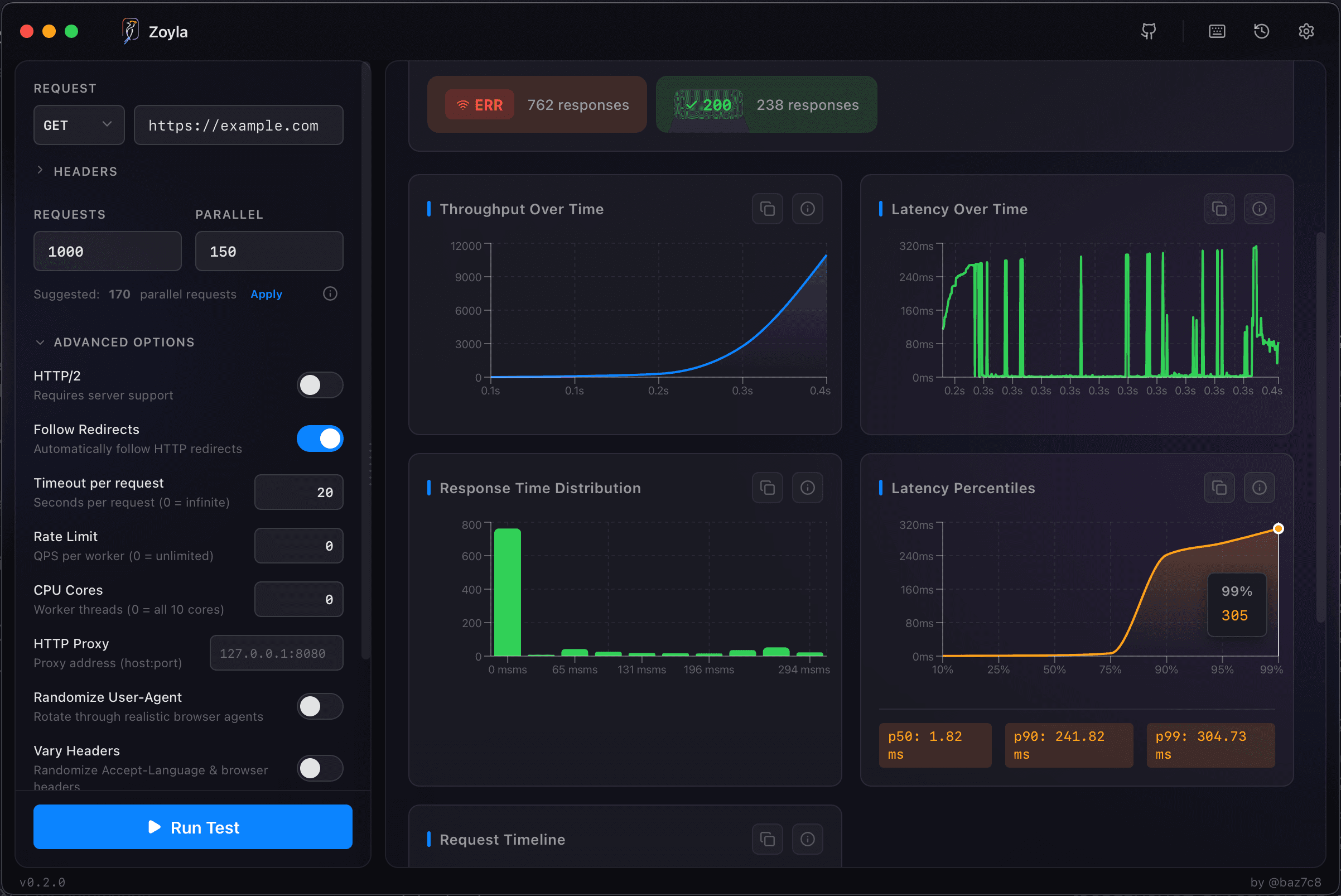
The throughput vs latency relationship matters here too. Large responses reduce throughput because each request ties up resources longer.
The bandwidth bottleneck
At some point, network bandwidth becomes your limit. If you're returning 100KB responses at 1000 RPS, that's 100MB per second of outbound traffic. Is your infrastructure sized for that?
This shows up in load tests as throughput plateaus while CPU stays low. You have capacity to spare but can't push more data through the pipe.
Compression helps (mostly)
Gzip can dramatically reduce transfer size. A 100KB JSON response might compress to 15KB. But compression has CPU cost. For most APIs, the bandwidth savings outweigh this. For very high-throughput services with small payloads, it might not be worth it.
Test both ways.
Return less data
The best way to reduce response size is to return less.
Pagination limits how many items per request. Field selection lets clients request only what they need — GraphQL does this naturally, REST APIs can implement it with query parameters. The pagination guide covers pagination performance.
Memory pressure
Large responses use memory. 1000 concurrent requests each building 100KB responses means 100MB of response data in flight. Plus serialization buffers. Plus network buffers.
If memory becomes constrained, garbage collection kicks in. Or worse, you start swapping. Monitor memory during load tests with large payloads.
The bottom line
Response size is a performance lever you control. Smaller responses are faster responses. Every field you don't send is work you don't do.
Look at your API responses. Are you sending data nobody uses? Fields that made sense once but aren't needed anymore? Trim the fat. The load testing file uploads guide covers the opposite problem — handling large incoming payloads.
Want to see how payload size affects your API? Download Zoyla and test with different response sizes.