
Throughput vs Latency: The Tradeoff
Understanding the relationship between throughput and latency — why you can't maximize both and how to find the right balance.
You want high throughput. You want low latency. You can't always have both.
This is one of the fundamental tradeoffs in system performance. Understanding it helps you make better decisions about capacity, optimization, and when to scale. The understanding latency and throughput guide covers the fundamentals of these metrics.
The relationship
At low load, throughput and latency seem independent. Your server handles 100 requests per second with 20ms latency. Add more load, still 20ms. Everything's fine.
Then you hit a threshold. Maybe 500 RPS. Suddenly latency starts climbing. 50ms. 100ms. 200ms. You're still handling more requests, but each one takes longer.
Push further and latency spikes dramatically while throughput plateaus or even drops. Your system is saturated. Adding more load just makes everything slower.
This pattern appears everywhere. Databases, APIs, network links, CPUs. It's fundamental to how queuing works.
Why this happens
When load is low, requests get processed immediately. No waiting. Latency is just processing time.
When load increases, requests start queuing. They wait for resources — CPU cycles, database connections, worker threads. Waiting adds to latency.
At saturation, the queue grows faster than it drains. Every new request waits longer. Latency explodes. Throughput can't increase because you're already using all available resources.
Little's Law captures this mathematically:
Concurrent Requests = Throughput × Latency
If latency doubles, you need twice the concurrent connections to maintain throughput. Eventually you hit connection limits, and throughput drops.
Finding the sweet spot
Most systems have an optimal operating point. High enough throughput to handle your load. Low enough latency to keep users happy.
This is usually somewhere around 60-80% of maximum capacity. You have headroom for traffic spikes. Latency is still reasonable. You're not wasting resources by running too light.
Running at 95% capacity means you're one small traffic spike away from latency explosions. Running at 30% means you're paying for resources you're not using.
Measuring the tradeoff
Run load tests at increasing concurrency levels. Plot throughput and latency against load.
You'll see throughput climb linearly at first, then curve and plateau. Latency stays flat, then bends upward, then goes vertical.
The point where latency starts bending is your practical capacity. The point where it goes vertical is your absolute limit. Finding this threshold is what stress testing is all about.
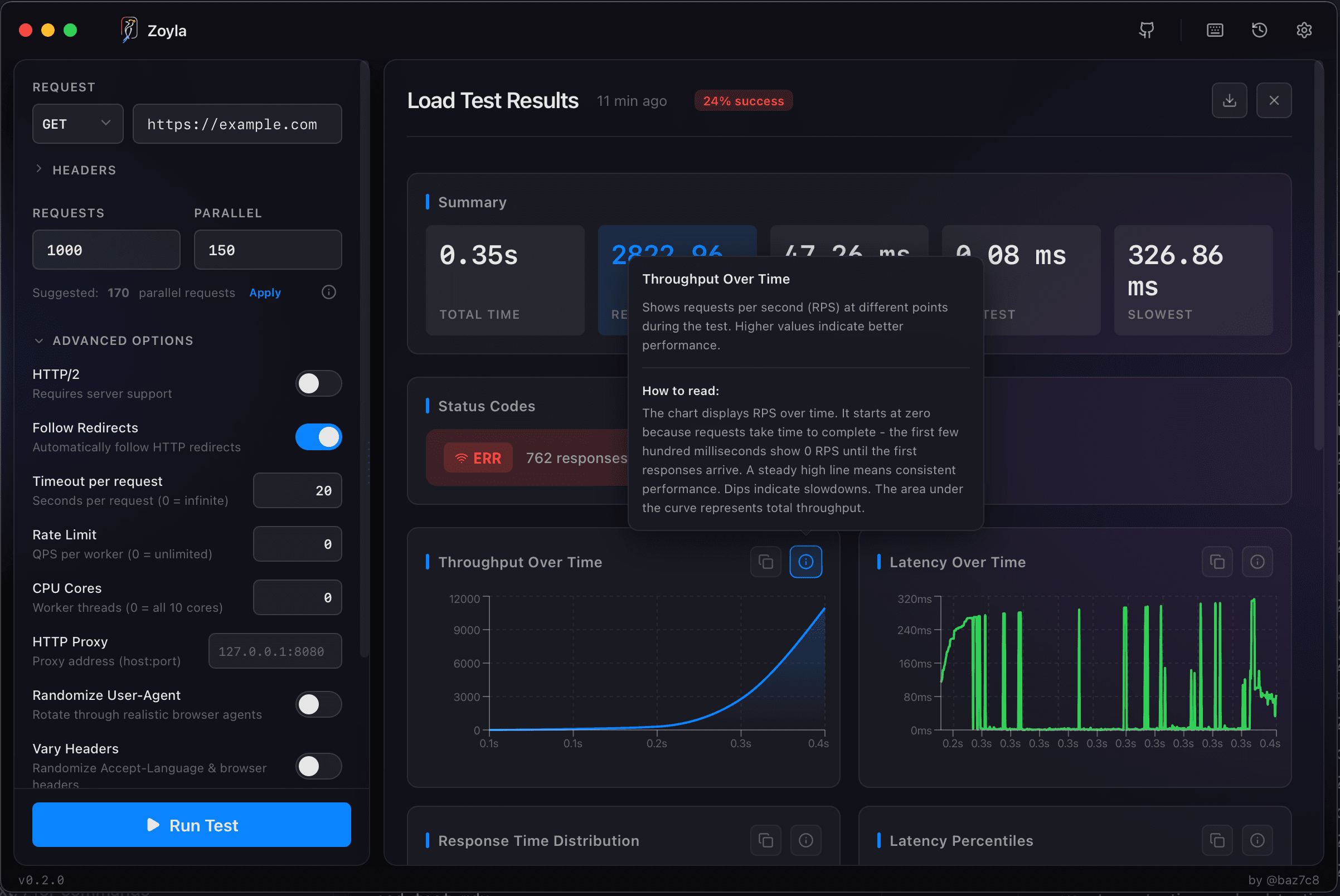
Zoyla shows both metrics after each test. Run tests at increasing concurrency levels and you'll see this pattern emerge in your results.
Optimizing for one or the other
Sometimes you care more about latency. Real-time applications, user-facing APIs, anything where responsiveness matters. You run below capacity to keep latency tight.
Sometimes you care more about throughput. Batch processing, background jobs, anything where you just need to get through a lot of work. You push closer to capacity and accept higher latency.
Most systems need balance. Good enough latency, good enough throughput. The right balance depends on your specific requirements.
Breaking the tradeoff
You can't eliminate the tradeoff, but you can shift the curve.
Faster processing means you can handle more load before queuing starts. Optimize your code, your queries, your algorithms.
More resources means higher capacity. Scale horizontally, add servers, increase connection pools.
Smarter queuing means better behavior under load. Shed load gracefully, prioritize important requests, implement backpressure.
Caching means fewer requests hit the slow path. Serve from memory instead of computing every time.
None of these eliminate the tradeoff. They just let you operate at a better point on the curve.
The practical takeaway
Know your curve. Run tests, measure both metrics, understand where your system bends.
Set targets for both throughput and latency. Not just "as much as possible" but specific numbers based on your requirements.
Monitor both in production. Latency creeping up is an early warning that you're approaching capacity.
For more on the individual metrics, see requests per second explained and P95, P99, and why averages lie. Zoyla's Rust-powered backend ensures accurate measurements even under high load.