
Stress Testing vs Load Testing
The difference between load testing and stress testing, when to use each, and why both matter for building reliable systems.
People use these terms interchangeably. They shouldn't. Load testing and stress testing are related but they answer different questions. And knowing which one you need saves you from running the wrong test.
Load testing: the expected case
Load testing simulates normal traffic. You're asking "can my system handle the load I actually expect?" If you anticipate 1000 concurrent users during peak hours, you test with 1000 concurrent users. Maybe a bit more for safety margin.
The goal is validation. You want to confirm that your system performs acceptably under realistic conditions. Response times stay reasonable. Error rates stay low. Nothing crashes.
This is what you run before launches, after deployments, as part of regular health checks. It's your baseline. The HTTP load testing explained piece covers this in more detail.
Stress testing: finding the breaking point
Stress testing pushes past normal. You keep adding load until something breaks. The question isn't "can we handle expected traffic?" It's "where exactly do we fail?"
This is intentionally destructive. You want to find the ceiling. At what point do response times become unacceptable? When do errors start spiking? What's the first thing to give out — CPU, memory, database connections, something else?
Knowing your breaking point is valuable. It tells you how much headroom you have. It reveals which component is the weakest link. And it shows you how your system degrades — gracefully or catastrophically. For a methodical approach, see finding your API's breaking point.
When to use which
Load testing should happen regularly. Before any significant release. After infrastructure changes. Periodically, just to make sure nothing has drifted.
Stress testing is more occasional. When you're doing capacity planning. When you've made major architectural changes. When you need to understand your limits, not just verify you're within them.
Some teams run both together. Start with a load test at expected levels, then ramp up into stress territory to see where things break. That gives you the full picture. For time-based issues that neither catches, there's soak testing.
What the results tell you
Load test results should be boring. Everything works, metrics look good, nothing surprising. If your load test finds problems, you've got work to do before shipping.
Stress test results are supposed to show failure. The interesting part is how it fails. Does performance degrade gradually or cliff-dive? Does the system recover when load decreases or does it stay broken? Do you get useful error messages or just timeouts?
For more on reading these results, check out how to interpret load test results.
The tools are the same
You don't need different tools for load testing versus stress testing. It's the same mechanics — send requests, measure responses. The difference is in how you configure the test.
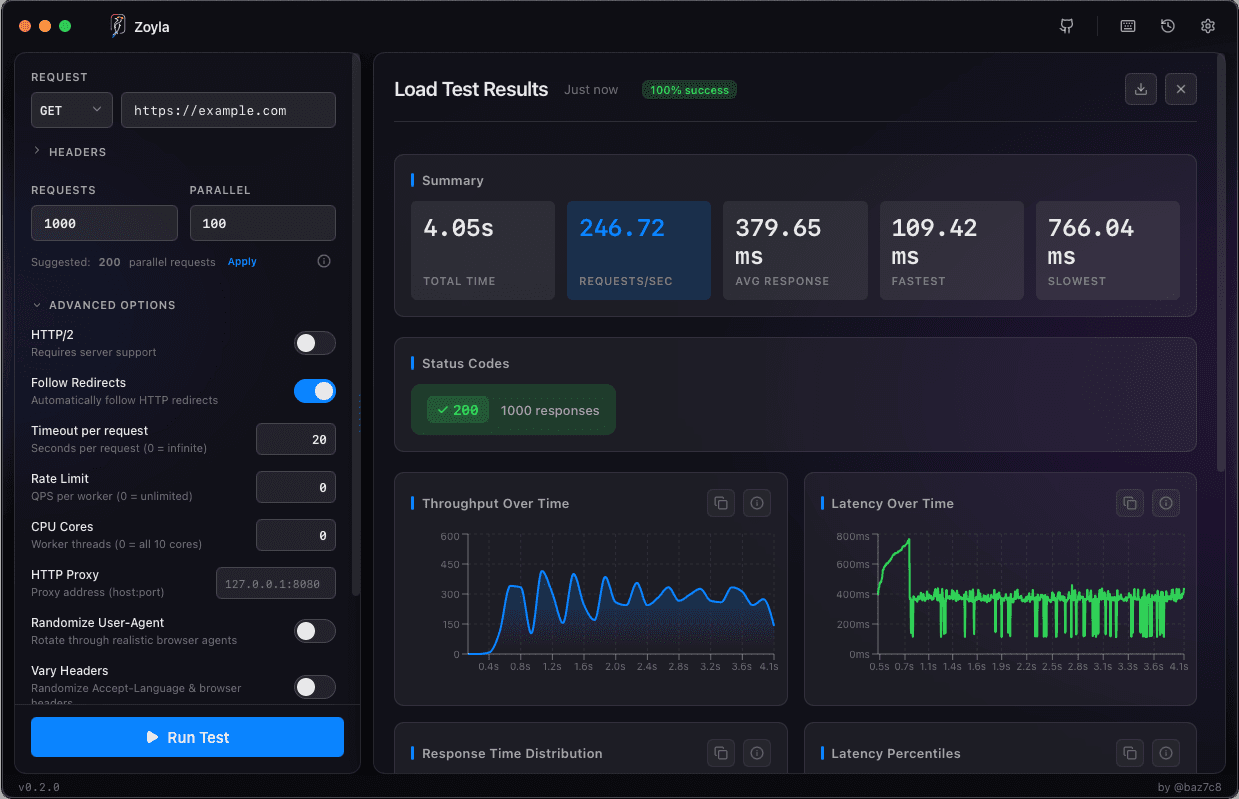
With Zoyla, you'd run a load test at your expected concurrency level, review the results, then run another test at 2x, 3x, 5x that level to find where things break. Same tool, different parameters.
A practical approach
Start with load testing. Confirm your system handles expected traffic. Document those results as your baseline.
Then do stress testing. Push until you find the limits. Document where things break and how.
Now you have two useful data points: what you can comfortably handle, and where you absolutely cannot go. The gap between them is your safety margin. The capacity planning basics guide shows how to use these numbers.
That's the difference. Load testing validates. Stress testing explores. You probably need both.
Want to try both? Download Zoyla — same tool for load testing and stress testing.