
How to Test Your API Rate Limiting Actually Works
Testing rate limits under load — verifying they trigger correctly, checking edge cases, and ensuring they protect without breaking legitimate traffic.
You implemented rate limiting. Good. But does it actually work? Does it kick in at the right threshold? Does it recover correctly? Does it accidentally block legitimate users?
Rate limiting is one of those features that's easy to implement and hard to verify. It sits there doing nothing until traffic spikes, and then you find out if you got it right. Better to find out during testing.
Why test rate limits
Rate limits protect your API from abuse and overload. They're a safety valve. But a safety valve that doesn't work is worse than no safety valve at all — you think you're protected when you're not.
And rate limits that are too aggressive break legitimate use cases. A mobile app that makes 10 requests on startup might hit per-minute limits. A batch process that syncs data might get throttled into uselessness.
Testing tells you where the limits actually are and how they behave in practice.
Basic verification
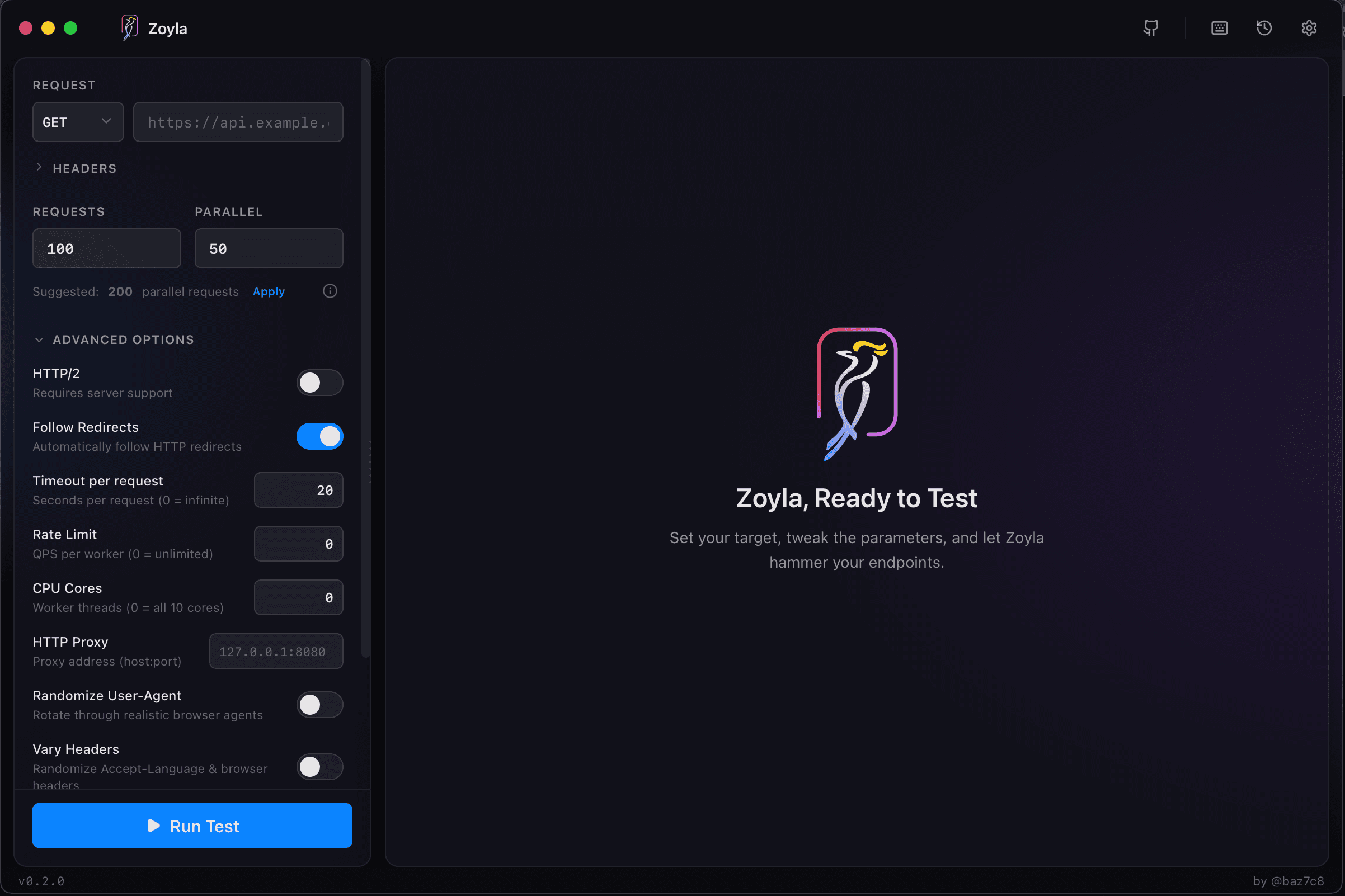
Start simple. What's your rate limit? 100 requests per minute? Send 101 requests in a minute and verify that the 101st gets rejected.
This sounds obvious but you'd be surprised how often rate limits are configured wrong. Off-by-one errors, time window miscalculations, limits applied to the wrong scope. Basic verification catches these.
Check the response too. Are you returning the right status code? 429 Too Many Requests is standard. Are you including headers that tell the client when they can retry? Retry-After and X-RateLimit-Reset are helpful.
Different limit types
Most APIs have multiple rate limits. Per-IP limits. Per-user limits. Per-endpoint limits. Global limits. Each needs testing.
Per-IP limits should trigger when one IP sends too many requests. Test this by sending requests from a single source.
Per-user limits should trigger based on authentication. Test with a single authenticated user making many requests.
Per-endpoint limits might vary — maybe your search endpoint has stricter limits than your read endpoints. Test each category.
And test the interactions. If you have both per-IP and per-user limits, which triggers first? What happens when both apply?
Load testing with rate limits
Here's where it gets interesting. Run a proper load test against a rate-limited API. What happens?
At low load, nothing special. Requests succeed, rate limits don't trigger.
As load increases, you'll start hitting limits. Some requests get 429 responses. The question is: which ones? Is the rate limiting fair, spreading rejections across clients? Or does it penalize some clients while letting others through?
Watch the pattern. If you're testing with multiple simulated users, each should hit their individual limit. If one user's traffic affects another user's limits, something is wrong with your implementation. The finding API breaking point guide covers how to systematically find these thresholds.
The stress testing vs load testing comparison explains when to push past normal limits.
Edge cases
Rate limits have edge cases. Test them.
What happens at exactly the limit? If your limit is 100/minute, does request 100 succeed or fail?
What happens at window boundaries? If your window resets at minute boundaries, what happens to a request that arrives at 11:59:59.999?
What happens with burst traffic? If a client sends 50 requests instantly, waits 30 seconds, then sends 50 more, do they hit the limit? Depends on whether you're using sliding windows or fixed windows.
What happens when a client backs off and retries? Do they get let back in, or does the rate limiter hold a grudge?
The recovery question
Rate limits should be temporary. A client that exceeds the limit should be able to resume normal operation after the window resets.
Test this explicitly. Exceed the limit, wait for the window to pass, verify that requests succeed again. Some implementations have bugs where blocked clients stay blocked.
Also test partial recovery. If a client is rate limited and immediately retries, do the retries count against the new window? They shouldn't, but some implementations get this wrong.
Performance impact
Rate limiting itself has a cost. Every request needs to check the limit, update counters, make decisions. Under high load, this overhead matters.
If your rate limiter uses Redis, that's a Redis call per request. If it's in-memory, that's lock contention. If it's distributed, that's coordination overhead.
Load test with rate limiting enabled and disabled. Compare the results. The difference tells you the cost of your rate limiting implementation.
If rate limiting adds significant latency, you might need to optimize it. Batch counter updates, use local caching, consider probabilistic approaches for high-volume scenarios.
Distributed rate limiting
If you have multiple API servers, rate limiting gets complicated. A per-user limit of 100/minute needs to be enforced across all servers, not 100/minute per server.
This requires shared state — typically Redis or a similar store. Test that the distributed limit works correctly. Send requests that hit different servers and verify the aggregate limit is enforced.
Also test what happens when the shared state is unavailable. Does your API fail open (allow all requests) or fail closed (reject all requests)? Both have tradeoffs. Know which you've chosen and test that it works.
Client-side considerations
Your rate limit responses should help clients behave correctly. Include headers that tell them:
How many requests they have left (X-RateLimit-Remaining). When the window resets (X-RateLimit-Reset). How long to wait before retrying (Retry-After).
Test that these headers are accurate. A client that trusts your headers and still gets rate limited has a bad experience.
Documentation vs reality
Finally, verify that your rate limits match your documentation. If you tell developers they get 1000 requests per hour, they should get 1000 requests per hour. Not 999. Not 1001. Not "approximately 1000."
Load test against documented limits. If there's a mismatch, either fix the implementation or update the documentation. The API load testing basics guide covers general API testing setup.
The error rates under load guide covers how to interpret the 429 responses you'll see during rate limit testing.
Ready to verify your rate limits? Download Zoyla and test them properly before your users do.